Invisible inventory
Food disappears behind containers, inside drawers, and out of your mental list.
 FridgeKind
Download the app
FridgeKind
Download the app
Food inventory that leads to dinner
FridgeKind makes the food you own visible and useful. Scan a fridge, barcode, or receipt, see what needs using first, then get AI-powered recipe ideas from your real inventory.
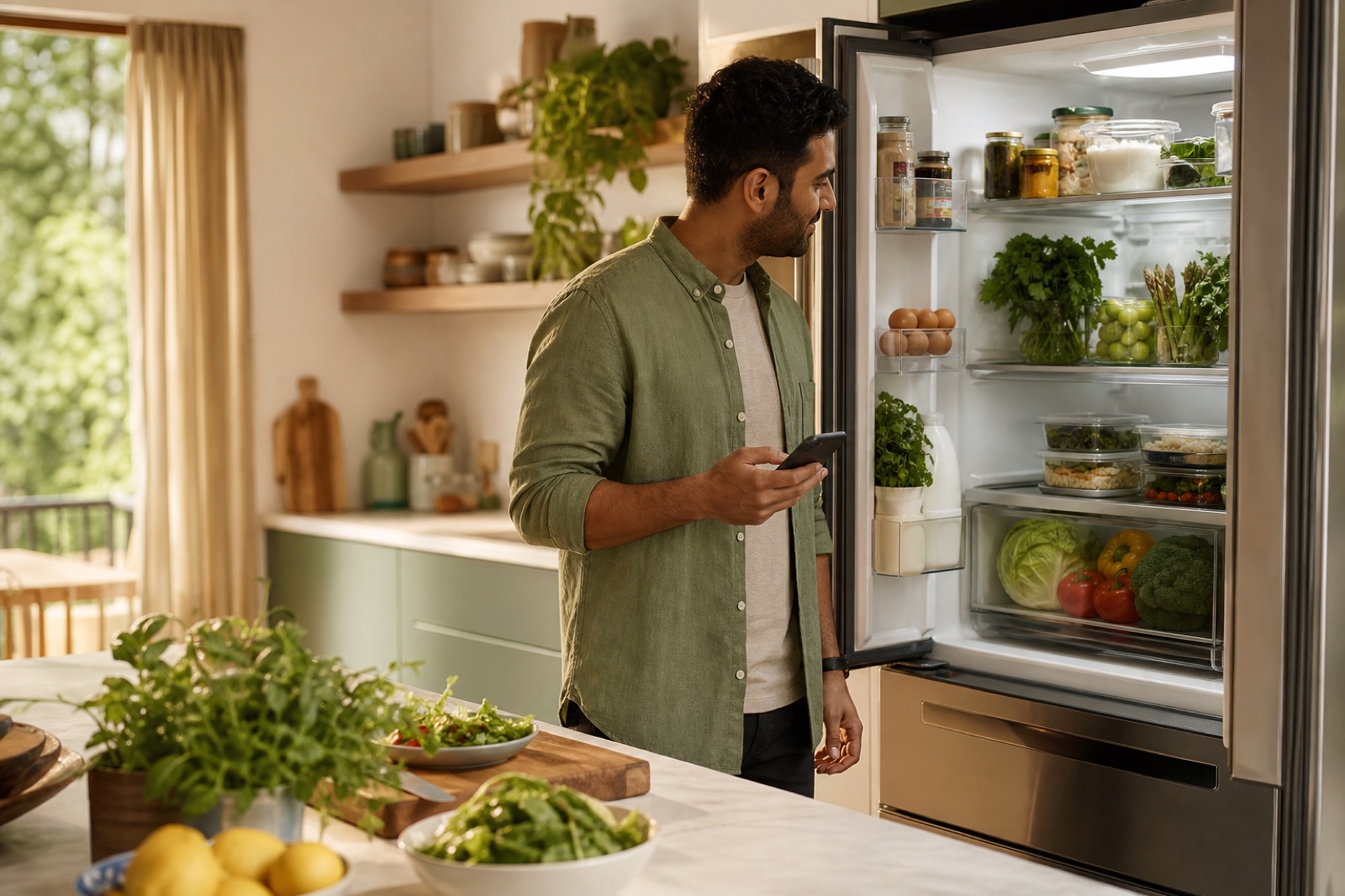
The problem is not simply forgetting a tomato. It is losing the connection between what you bought, when it should be used, and what you can make with it tonight.
When your inventory is incomplete or hard to maintain, the food with the shortest life gets overlooked, dinner decisions start from scratch, and good groceries become waste. FridgeKind closes that gap with fast capture, clear expiration priorities, and recipes grounded in what is actually at home.
Food disappears behind containers, inside drawers, and out of your mental list.
A list of groceries is not enough if it cannot show what should be used first.
Recipe ideas ignore the food on hand, so deciding what to cook still starts at zero.
Keep inventory easy to build, make expiration actionable, and plan meals from reality.
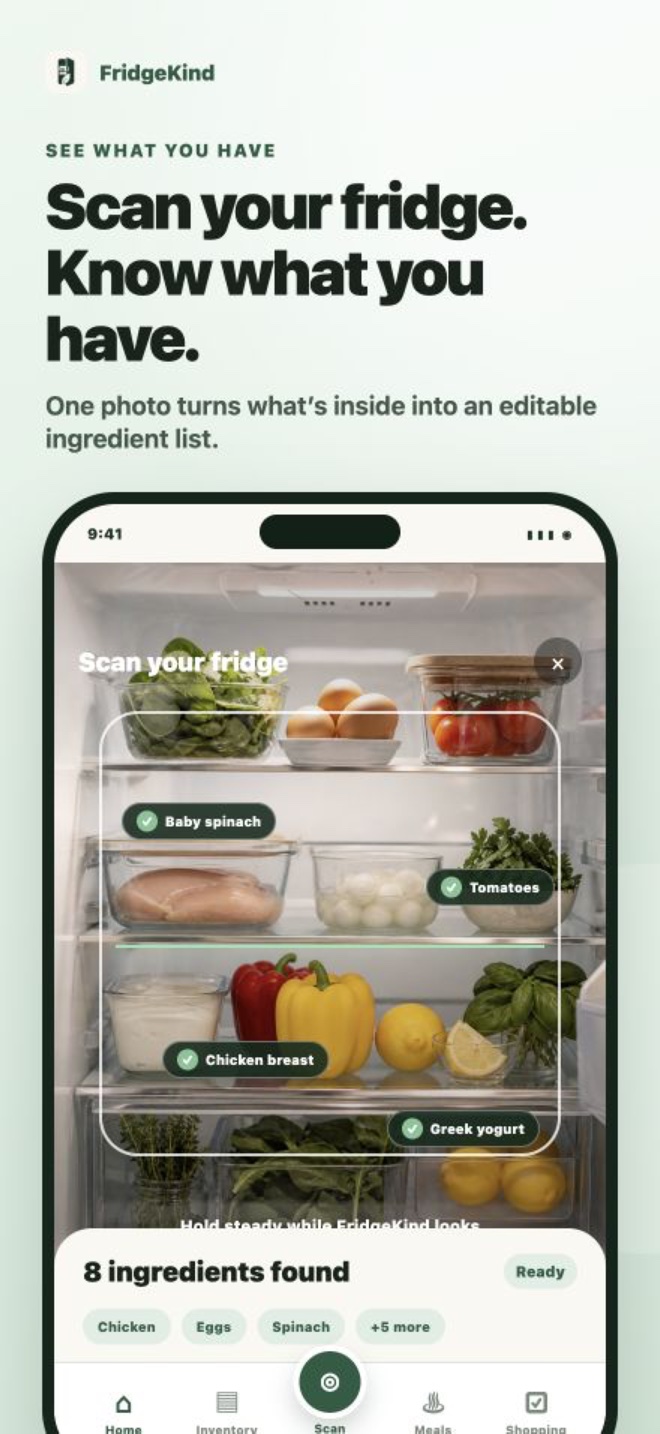
Use AI-assisted fridge, freezer, or pantry photos, scan grocery barcodes, photograph a receipt, or add food manually. Review and edit every item before saving.
Set one default expiration window for new items, adjust exact dates when needed, and keep “use soon” food at the top of your attention with reminders.
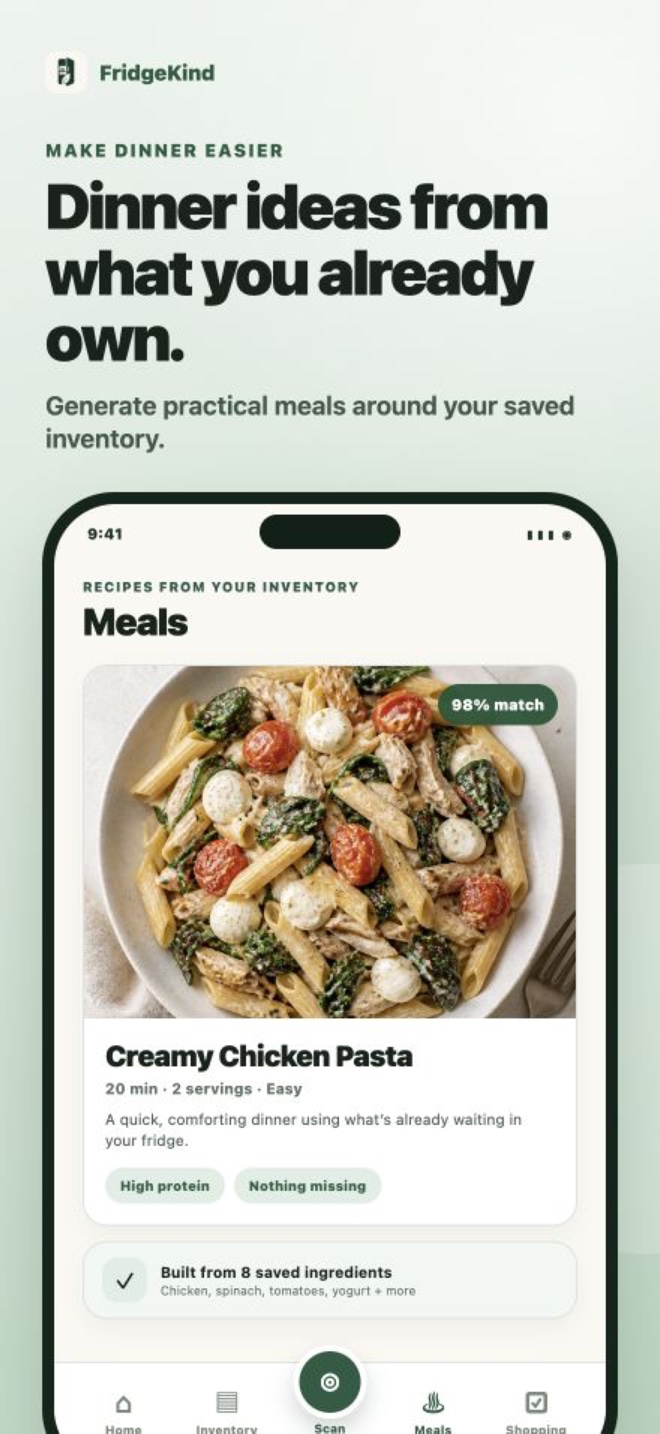
Ask AI for practical recipes from your saved food, time, tastes, and household. Start with the items that need attention, then shop only for what is missing.
Your inventory connects freshness, recipe ideas, household preferences, and shopping—so the next meal begins with what needs using, not another trip to the store.
Download FridgeKind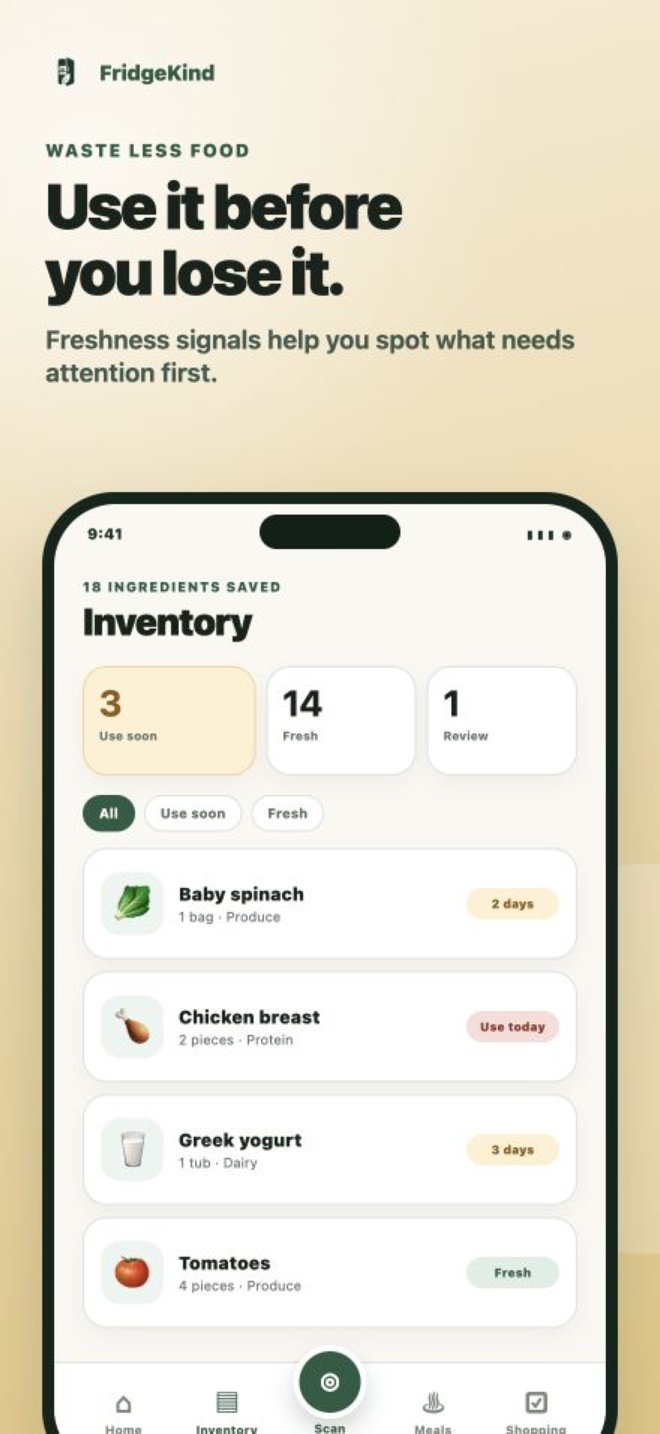
FridgeKind keeps the path from groceries to dinner connected, whether you scan one item or stock a household for the week.
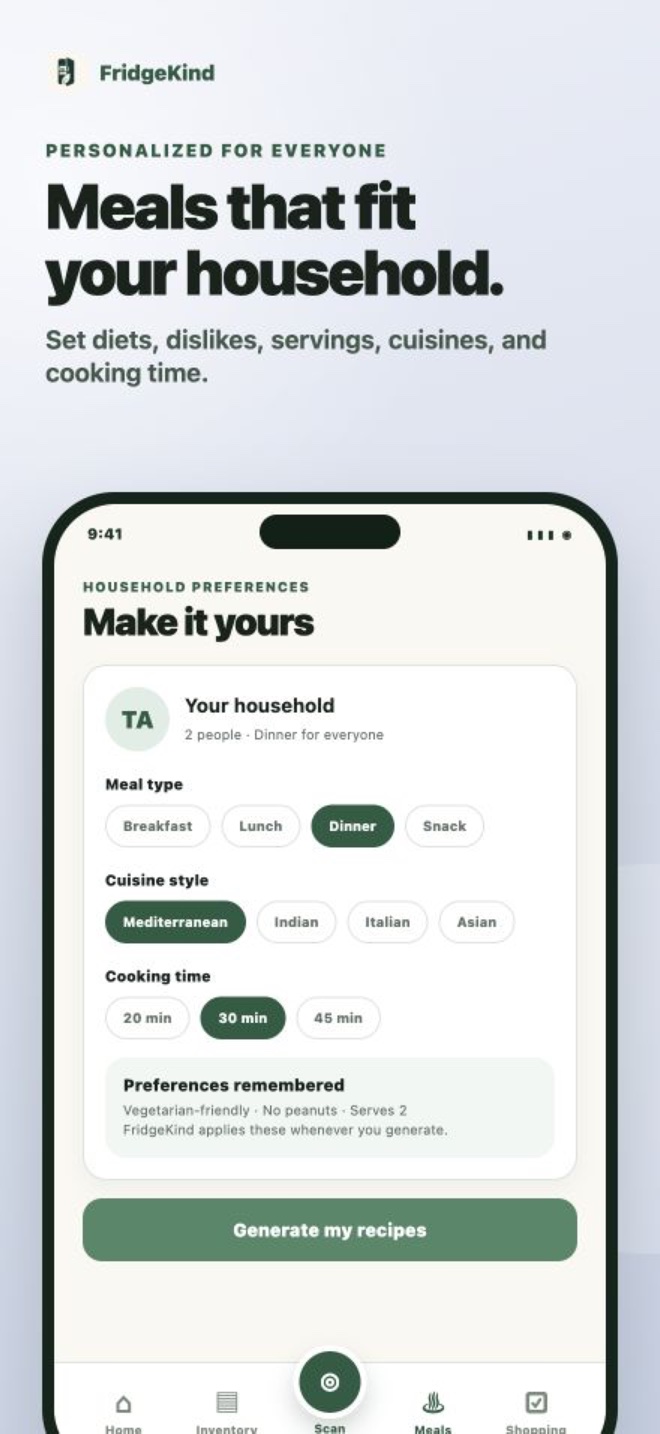
Generate practical meals around saved food, cooking time, cuisine, diets, dislikes, and household size.
Choose the quickest way to add groceries. AI-assisted photo results stay editable, and barcode lookups fill in product details for review.
Set your preferred default once, apply it to every new item, and edit exact dates at any time.
See expiring items clearly, choose what to rescue first, and turn those ingredients into a better starting point for dinner.
FridgeKind only accesses a photo when you choose to capture or upload one. Before any personal data is sent to OpenAI for an AI feature, the app identifies OpenAI, explains exactly what will be sent, and asks for your permission. Recipe generation uses relevant inventory and preference text rather than resending the original fridge image.
No third-party advertising SDKs or cross-app ad tracking.
OpenAI data sharing is opt-in and can be turned off in Account settings.
Photo detections stay editable—you confirm what gets saved.
Clear answers about the FridgeKind experience.
Take or choose a fridge, freezer, pantry, or grocery receipt photo; scan a grocery barcode; or add an item manually. AI-assisted photo scans give you an editable list to review before anything is saved.
Choose a default number of days in your preferences. FridgeKind applies that date to new manual, barcode, storage-photo, and receipt items. You can always change an item's exact date, and optional reminders help keep urgent food visible.
Yes. Recipes are created from your saved inventory and can account for meal type, cooking time, diets, dislikes, and household size.
FridgeKind highlights food to use soon so you can choose those ingredients first, then generate recipes around your saved inventory. Freshness guidance is informational, so always make your own food-safety checks.
No. Recipe generation uses relevant saved inventory and preference information; it does not resend the original fridge photo.
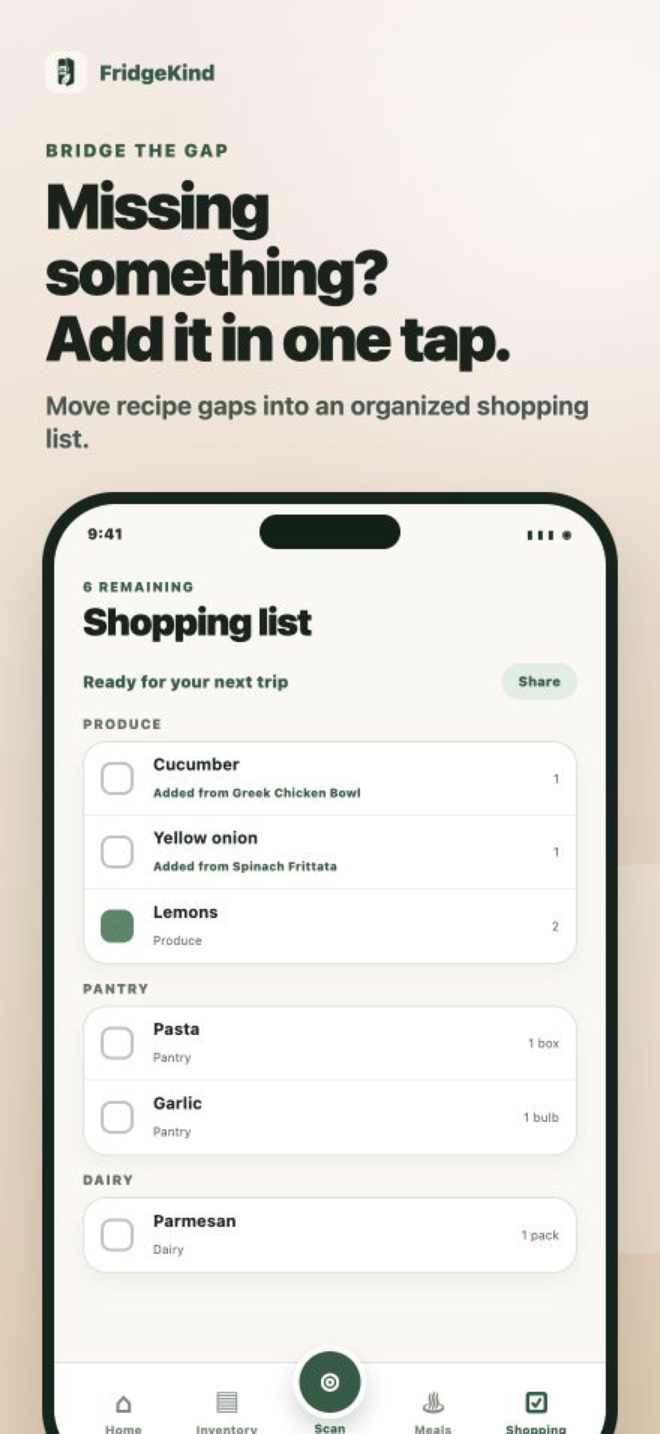
Yes. When a recipe needs something you do not have, you can move those ingredients into the in-app shopping list.
Turn your groceries into a useful inventory, catch food before it expires, and get a clearer answer to “what should I make?”
Download on the App Store